How to Use Skill
Basic usage flow
In practice, using a skill usually follows this pattern:
- Identify the right skill for the task.
- Load the skill instructions.
- Follow the skill-defined workflow.
- Use the required built-in tools.
- Return the final result or render the final report.
Common tool flow
Depending on the skill, the execution path often looks like this:
load_skill→ load the skill instructionssql_query→ retrieve structured data if neededcode_interpreter→ compute metrics, transform data, generate chartsshell_interpreter→ run shell commands when requiredhtml_interpreter→ render the final HTML report or page
Example scenarios
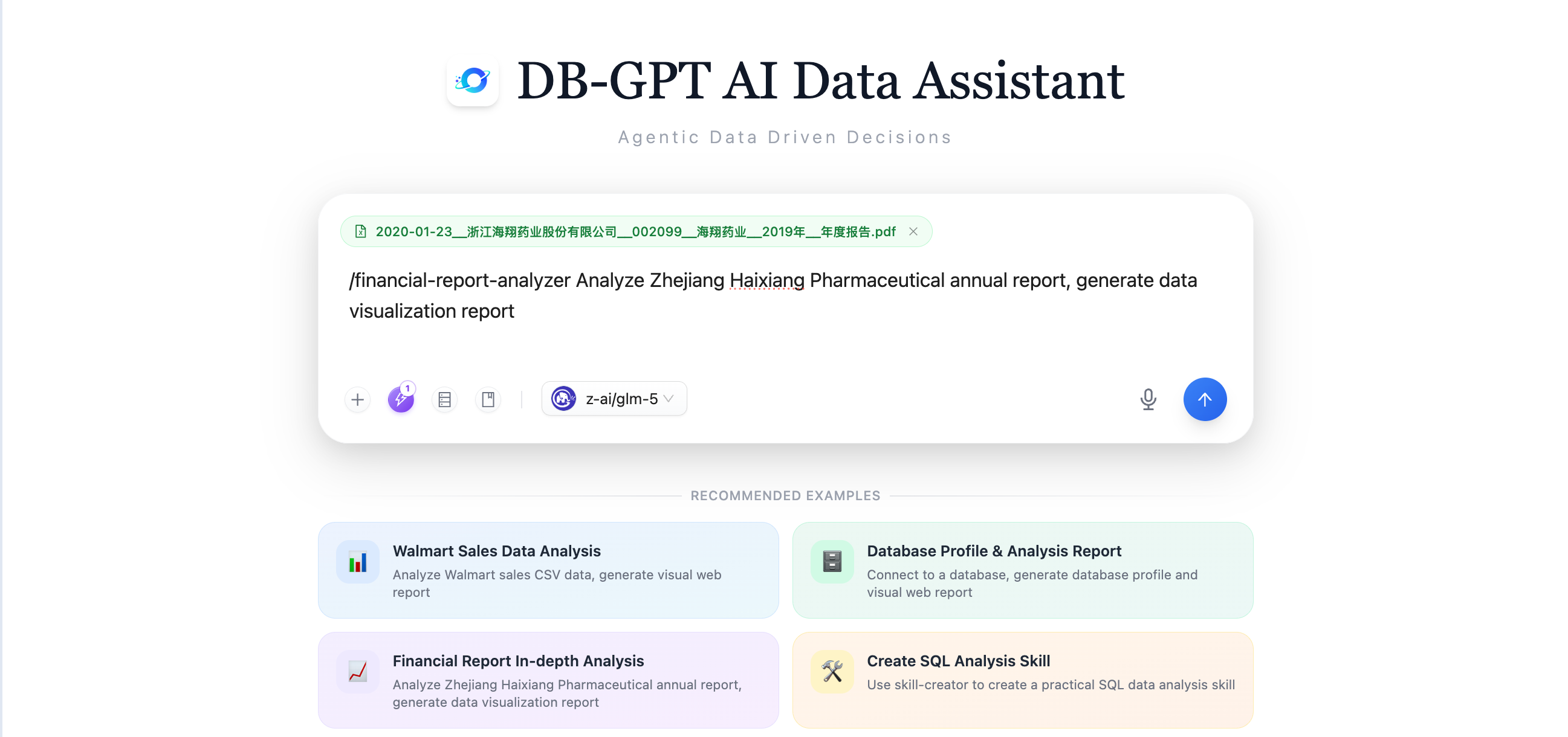
Financial report analysis
The agent can:
- load the financial-report skill
- execute the required data extraction and analysis steps
- generate charts and metrics
- use
html_interpreterto render the final report
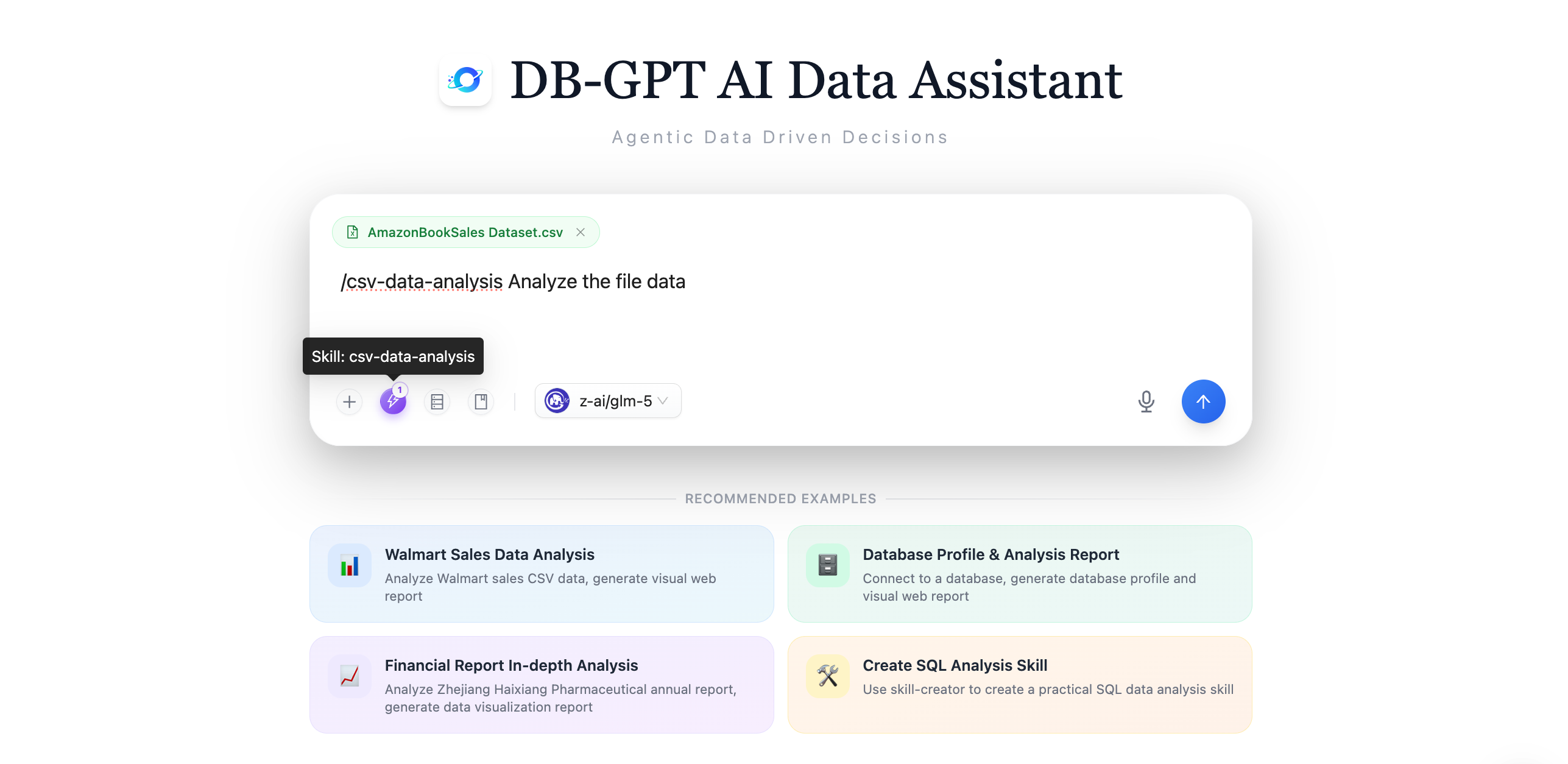
CSV / Excel analysis
The agent can:
- load a data analysis skill
- inspect the uploaded file
- use Python analysis to calculate metrics and visualize results
- render the output as a report if needed
Good practices
- use skills when the workflow should be repeatable
- follow the skill instructions strictly
- prefer the tools required by the skill over ad-hoc alternatives
- use
html_interpreterfor final report rendering when the skill produces a webpage or report