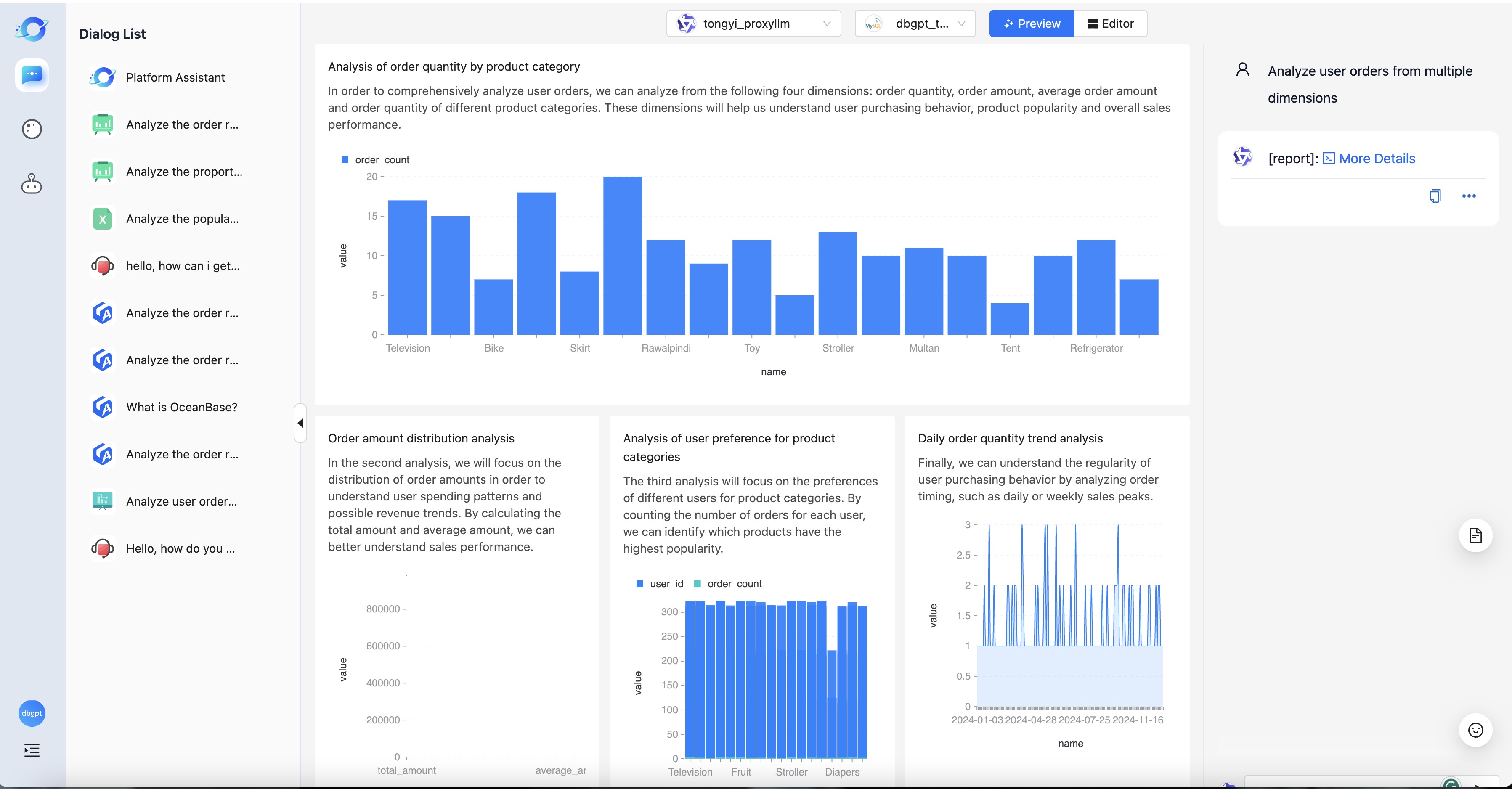
Chat Dashboard
Report analysis corresponds to the Chat Dashboard scenario in DB-GPT, and intelligent report generation and analysis can be performed through natural language. It is one of the basic capabilities of generative BI (GBI). Let's take a look at how to use the report analysis capabilities.
Steps
The following are the steps for using report analysis:
- 1.Data preparation
- 2.Add data source
- 3.Select Chat Dashboard App
- 4.Start chat
Data preparation
In order to better experience the report analysis capabilities, we have built some test data into the code. To use this test data, we first need to create a test library.
CREATE DATABASE IF NOT EXISTS dbgpt_test CHARACTER SET utf8;
After the test library is created, you can initialize the test data with one click through the script.
python docker/examples/dashboard/test_case_mysql_data.py
Add data source
The steps to add a data source are the same as Chat Data. Select the corresponding database type in the data source management tab, then create it. Fill in the necessary information to complete the creation.
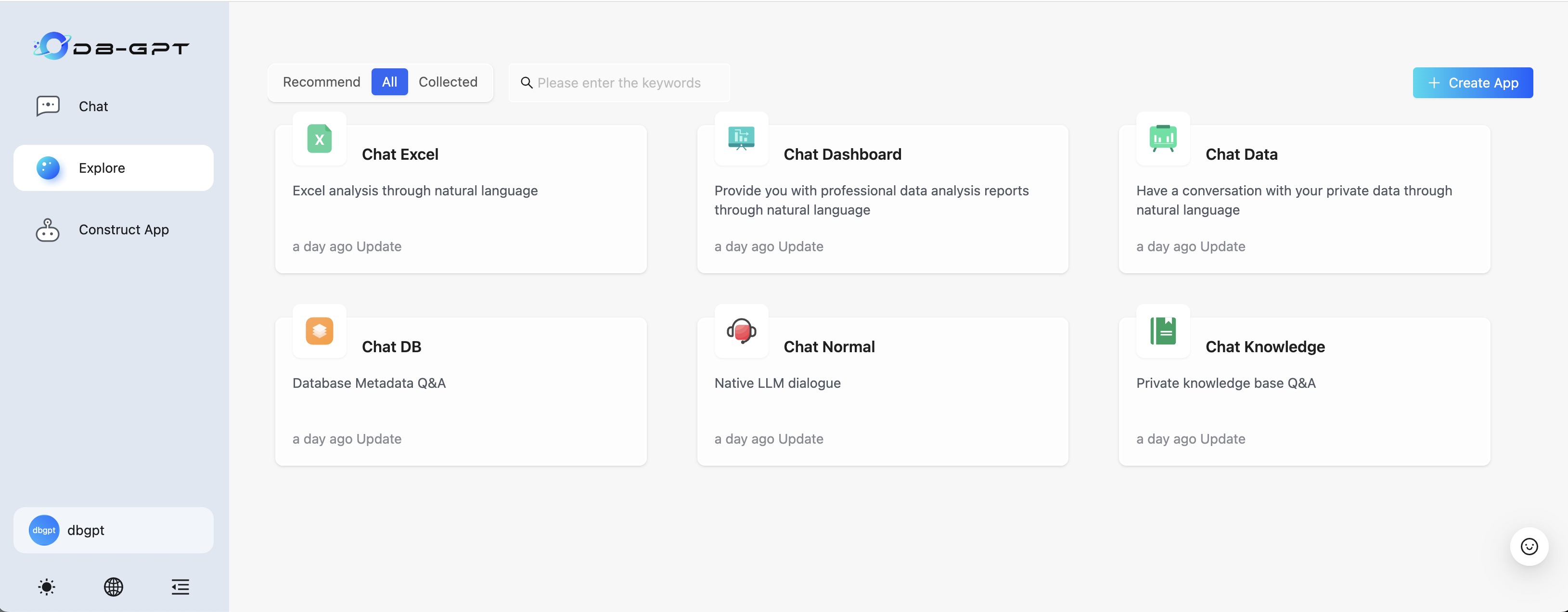
Select Chat Dashboard
After the data source is added, select Chat Dashboard on the home scene page to perform report analysis.
Start chat
Enter specific questions in the dialog box on the right to start a data conversation.
⚠️ Data dialogue has relatively high requirements on model capabilities, and ChatGPT/GPT-4 has a high success rate. Other open source models you can try qwen2